
Setting up a gaming desk setup can feel overwhelming. You want comfort, style, and functionality, but where do you even start? I’ve been there.
I know the struggle of figuring out what gear actually matters versus what’s just hype.
In this article, I’m going to break down the essentials of a great gaming desk setup.
I’ll share my own experiences and the mistakes I made along the way. You don’t have to go through the same trial and error.
Are you ready to create a space that looks good but also enhances your gaming experience?
I’ll cover everything from desk height to monitor placement.
By the end, you’ll have a clear roadmap to an ideal setup tailored to your needs.
Trust me, investing time in your gaming environment pays off. Let’s dive in and transform your space into a gaming haven.
Comfort at the Core: Ergonomics for Gaming
Ergonomics isn’t just a buzzword. It’s the backbone of a good gaming desk setup. If you’re like me, you spend hours glued to your screen, so why not make it comfortable?
Proper ergonomics are key for long-term health and enjoyment. Forgetting this can lead to back pain, neck strain, and worse.
Start with your chair. Lumbar support is a must. Don’t skimp here.
Your armrests should be adjustable. Let’s be real, no one wants sore shoulders. Seat depth is often overlooked, but key.
Make sure your feet are flat and knees at 90 degrees. Proper posture might sound boring, but it’s important.
Keep your monitor at eye level. Too high? Too low?
Your desk height affects everything. Measure it for your body, not someone else’s. Standing desks are a game-changer but don’t make rookie mistakes.
Your neck will tell you. Keep it an arm’s length away. Multi-monitor setups should be smooth.
No neck twists.
Keyboard and mouse placement is another biggie. Neutral wrist posture saves you. Have enough desk space for mouse movement.
Wrist rests might seem optional, but they can be lifesavers. For more gear takeaways, check out our gaming headsets that work. Your setup should feel like an extension of you.
Gaming Desk Setup: Master Your Space
Let’s get straight to it. Your gaming desk setup is more than just a collection of gadgets. It’s your command center.
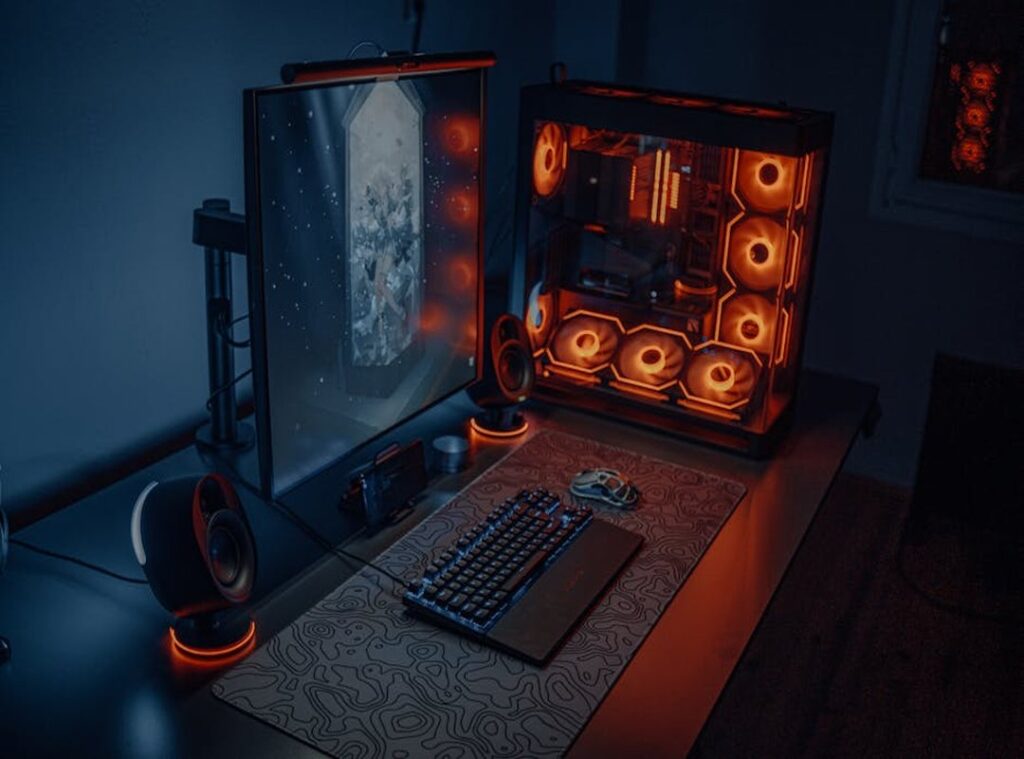
First, position your PC tower wisely. Consider airflow and accessibility. Under the desk might seem neat, but don’t suffocate it.
Keep ports within easy reach.
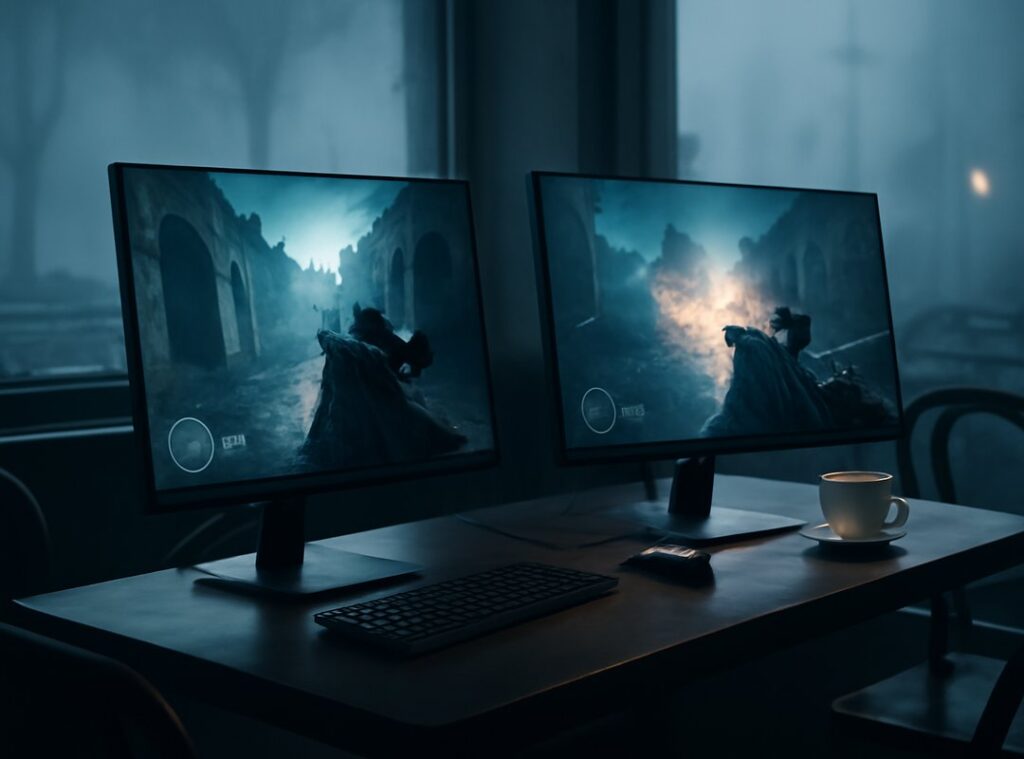
Multi-monitor setups can be tricky. Align them seamlessly and minimize those annoying bezels. Trust me, you’ll appreciate the visual flow.
VESA mounting arms? They’re a game-changer. They offer flexibility and free up desk space.
Now, onto keyboards and mice. Give your mouse room to roam. Cramped spaces?
No thanks. Your keyboard should be easy to reach, with shortcuts at your fingertips. And for wrist support, invest in something comfortable.
Your hands will thank you.
Peripherals like headsets and controllers need homes too. Use headset hooks or stands for easy access and protection. And keep controllers charged and ready with dedicated stations.
Finally, let’s talk about webcams and microphones. Proper placement ensures clear communication and professional framing. Minimize background noise for streaming or calls.
Does this seem like a lot? Maybe. But once it’s all in place, you’ll notice the difference in your gaming experience.
Ready to start the setup?
Declutter & Conquer: Mastering Cable Management
Cables are the bane of any good gaming setup. Ever tried cleaning under your desk only to wrestle with a tangle of wires? That’s the curse of “cable spaghetti.” It’s not just ugly (it) chokes airflow, poses safety hazards, and makes cleaning a nightmare.
What if you could tidy up once and for all?
First, you’ve got the essentials: cable ties (velcro’s a game-changer), sleeves, raceways, and adhesive clips. These tools keep things neat and out of sight. For under-desk organization, try cable trays, nets, or simple hooks.
They lift cables off the floor and save tons of space.
Your power strip and surge protectors should be accessible yet hidden. Tuck them under the table (not far from your reach) and consolidate your power sources. That way, you won’t kick them every time you sit down.
Consider wireless options, too. While not perfect, they cut the clutter for peripherals like mice, keyboards, and headsets. But weigh the pros and cons.
Sometimes wired is better.
For more on creating an immersive gaming environment, check out building better gaming sound systems. A clean setup isn’t just about looks. It’s about control and efficiency.
Ready to conquer your setup?
Bring Your Gaming Desk to Life
Lighting can make or break your gaming desk setup. Have you ever tried bias lighting? It’s a lifesaver for reducing eye strain (especially during those marathon sessions).
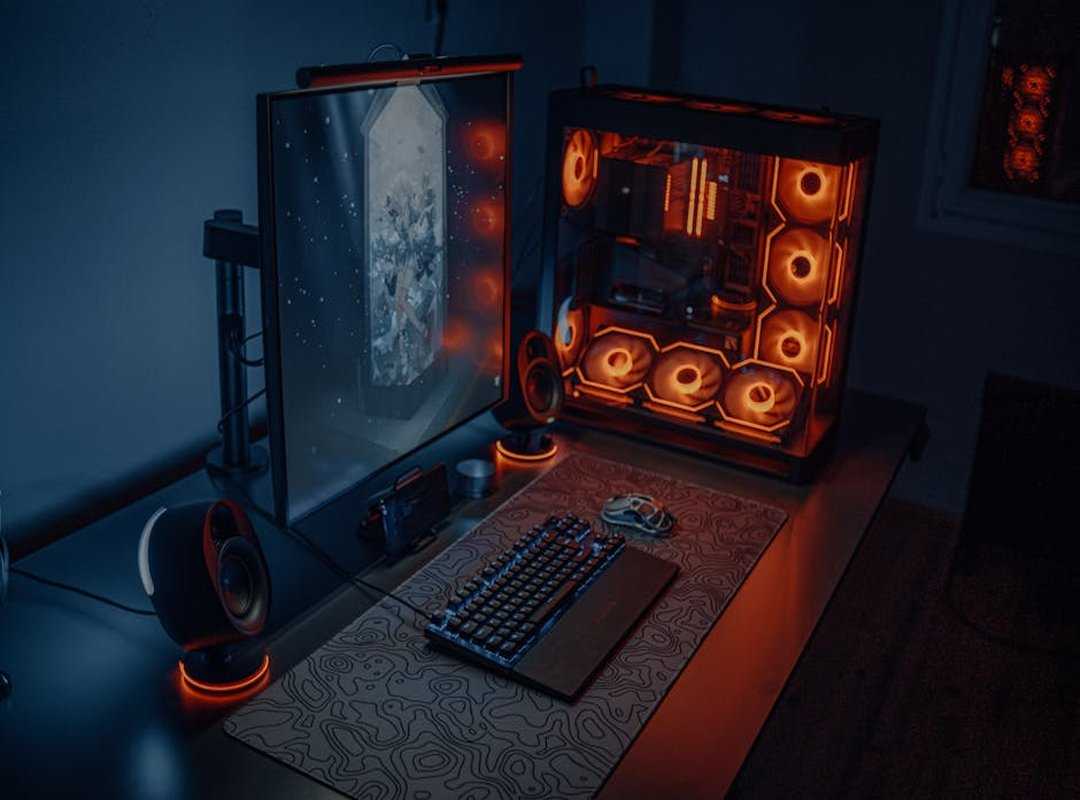
Plus, RGB strips let you set the mood and show off some personality. But don’t overdo it. You don’t want your room looking like a disco.
Now, let’s talk sound. Speaker placement is key. You need optimal stereo imaging for an immersive experience.
If you’ve got a surround sound setup, consider your listener position. Proper placement makes a massive difference. Headsets?
Go for open-back designs if you want a more natural soundstage. Closed-back is better if you need isolation. And a dedicated DAC/Amp can boost your audio quality, but only if you’re serious about sound.
Acoustic treatment shouldn’t be ignored either. You can reduce echo with simple fixes like soft furnishings or basic foam panels. It’s not rocket science.
Finally, personal touches are what make the space yours. Decor, plants, artwork, collectibles (integrate) them all. They boost the vibe and make it feel like home.
For some inspiration, check out my desk setup 2026. It’s a blend of function and style.
Future-Proof Your Gaming Hub: Keep It Cool and Collected
Getting the gaming desk setup right isn’t just about looks. It’s about function and foresight. Let’s talk storage.
Shelves and drawers are great, but pegboards? A game changer. (Who knew they weren’t just for garages?) Keep those controllers and accessories in easy reach. Trust me, you’ll thank yourself when you’re mid-game and need that extra controller.
A clean space leads to a clear mind. You can’t focus when you’re surrounded by chaos. Regular dusting and tidying keeps things fresh.
It’s not magic, just habit. Ever lost a game because you couldn’t find the right cable? Yeah, we’ve all been there.
Thinking ahead, scalability is key. You might want that larger monitor or new PC case someday. Planning for upgrades now saves headaches later.
Nobody wants to tear everything apart when adding one thing.
Got a dual-purpose space? Pro tip: Use separate zones for work and play. Keeps your head in the game (or on the job).
And don’t forget digital organization. Your desktop and game libraries should be as tidy as your physical space. After all, clutter is clutter.
Whether digital or physical. Keeping it all streamlined is smart.
Stay organized. Stay ahead.
Level Up Your Gaming Space Now
You’ve got the knowledge to create an exceptional gaming desk setup. No more discomfort, clutter, or missed potential. A well-arranged space boosts comfort and performance while immersing you in your favorite games.
Start small. Pick one change to set up today. Maybe it’s organizing your cables or upgrading your chair.
Each step gets you closer to your dream setup.
Explore new gear that fits your style. Share your optimized space with fellow gamers.
Take action now. Transform your gaming experience. Don’t wait.
You deserve this upgrade. Your ultimate gaming zone is within reach.
 Gear Setup & Hardware Guide Specialist